How to Build an Online Store with AI (2026 Step-by-Step Guide)
By SellerAI Hub Editors · Updated
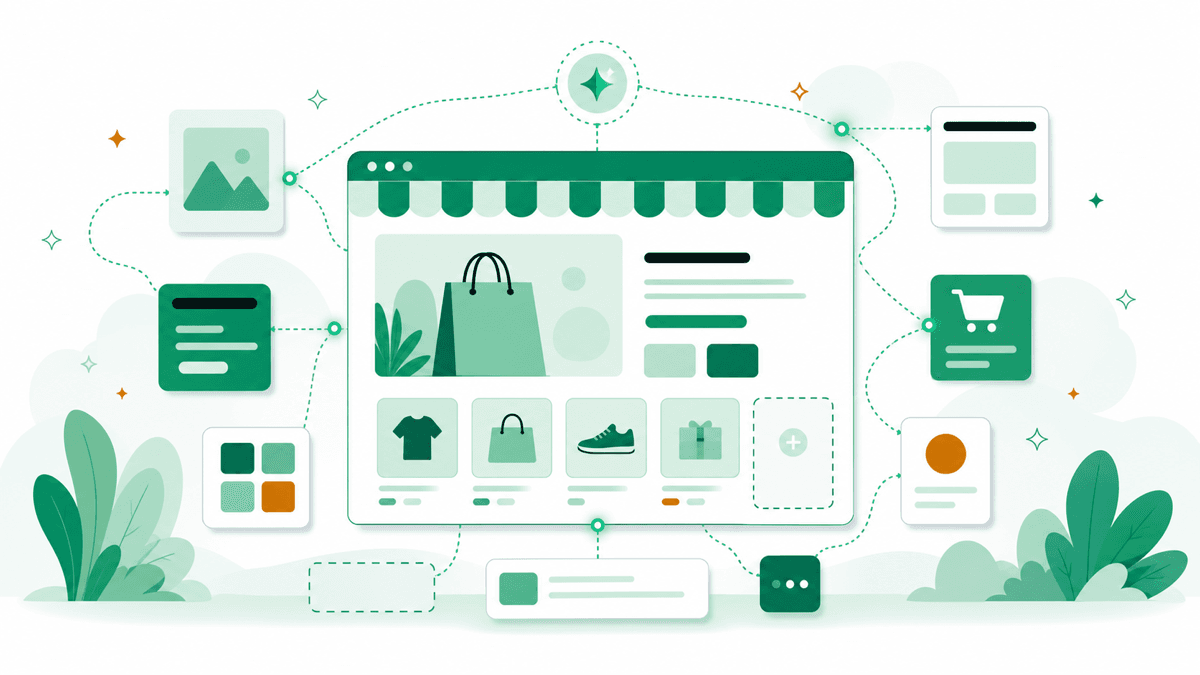
You can stand up a working store in an afternoon now — but "looks done" and "ready to take money" are different things. Here is the workflow we use, and the steps AI can't do for you.
Step 1: Pick the platform before the prompt
Your AI tool choice follows your platform, not the other way around. If you want a serious, scalable store, start on Shopify and use its native AI. If you want the cheapest fast launch for a simple catalog, an AI builder like Hostinger or 10Web (for WooCommerce) generates the whole site from a prompt. See our best AI website builders breakdown if you're unsure.
Step 2: Generate the storefront from a clear brief
AI builders are only as good as the brief. Give it your niche, target customer, brand tone and three competitor sites you like. It will return a layout, sections and placeholder copy in minutes. Don't accept the first draft — regenerate sections that feel generic.
Step 3: Replace placeholder products with real data
This is the step AI skips. Add your actual SKUs, real prices and true shipping rules. AI will happily invent specs and prices that don't exist, so every product field has to be checked against your real catalog.
Step 4: Write product copy and create images
Now generate the per-product content. For descriptions, Shopify Magic works inline, or use a specialist like Writesonic for bulk. For photos, an AI tool like PhotoRoom or Pebblely turns one phone shot into clean, marketplace-ready images — see best AI product photography.
Step 5: Connect payments, tax and shipping by hand
No AI builder configures your real payment processor, tax registration or carrier rates. Set up checkout, run a test order end to end, and confirm taxes and shipping calculate correctly.
Step 6: Set up your first marketing flows
Before you drive traffic, install the automations that capture revenue while you sleep. At minimum set up a welcome series and an abandoned-cart flow in a tool like Klaviyo or Omnisend.
What to double-check before launch
- Every price, spec and shipping rule matches reality
- Checkout works on a real test order
- Mobile layout is clean — most ecommerce traffic is mobile
- Legal pages (returns, privacy, terms) exist and are accurate
AI gets you a store that looks finished in an hour. The remaining hour — verifying facts, wiring payments, testing checkout — is what makes it a real business.
Frequently asked questions
Can AI really build a whole online store?+
AI can generate the layout, product pages, copy and images in minutes, but it can't source real products, set accurate prices or connect a payment processor. Treat the AI output as a finished-looking draft you still have to make real before launch.
Is Shopify or an AI site builder better for ecommerce?+
For a real, scaling business choose a dedicated commerce platform like Shopify and use its built-in Shopify Magic AI. AI site builders like Hostinger or 10Web are cheaper and faster for a simple catalog, but have a smaller app ecosystem and weaker checkout.